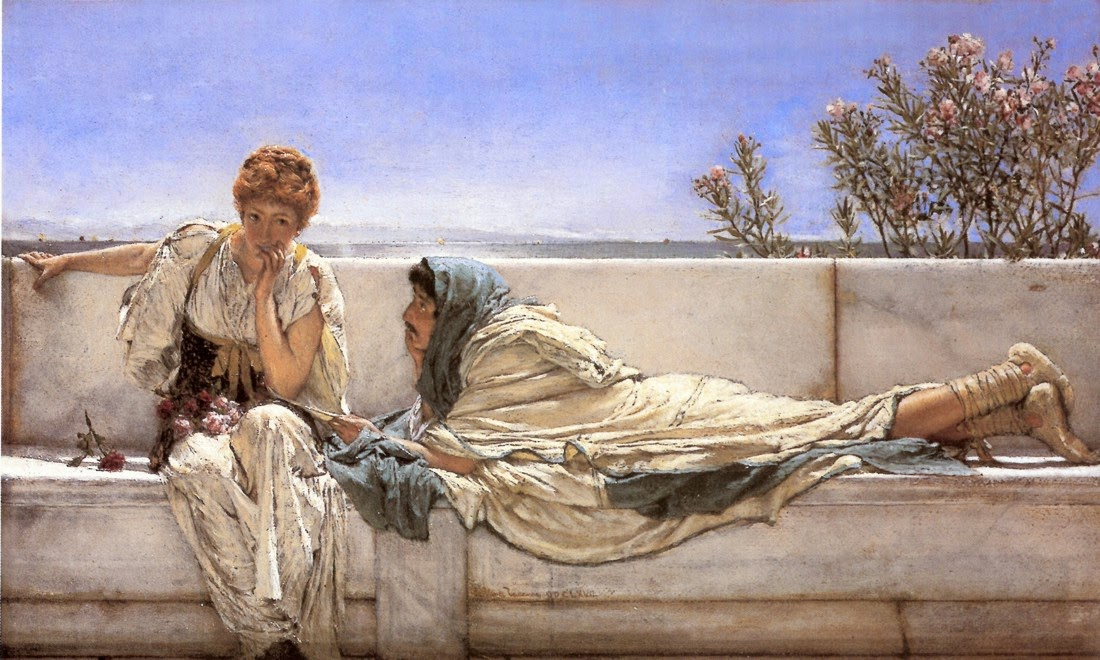
>If you are using Firefox or a Chromium browser (for me Google Chrome 143.0.7499.170), it's very likely that you are seeing a very foggy version of the painting, however, if you download the image and open it with your default image viewer (or open it in the Safari browser), you will see the image normally.
Why does the page 404 when opening the image? Bandwidth issue? Firefox issue? (Yes, the username is a joke - I don't work for Firefox I just use it and thought this would be a funny name)
they wayback machine doesn't have a copy of https://lr0.org/i/2025-12-27_18-21-51_screenshot.png or i was going to link to it in the post here usually, i'd try to balance a blunt reply like this with they wayback version
this picture does show differently in Chrome and Safari, but if I analyze it using the methods you did I arrive at a different result - I don't see an iHDR chunk there, instead I see a gAMA chunk and if I remove it with pngcrush it shows normally in Chrome.



Why does the page 404 when opening the image? Bandwidth issue? Firefox issue? (Yes, the username is a joke - I don't work for Firefox I just use it and thought this would be a funny name)
they wayback machine doesn't have a copy of https://lr0.org/i/2025-12-27_18-21-51_screenshot.png or i was going to link to it in the post here usually, i'd try to balance a blunt reply like this with they wayback version
cheers!
Edit: https://web.archive.org/web/20251227181428if_/https://lr0.or...